Weekly Blog Post 1
For the first online reflection, our class touched on the subject of online privacy and security. I have previously taken online classes on privacy and security in technology for my Health Information Science major, but they were more specific to the legal and ethical side of information management and also fields in cybersecurity, more specifically on integrating regulations such as FIPPA/PIPEDA into the various IT tools that are being integrated into the healthcare system and what ethical risks may be caused by the integration.
This week’s class seemed to focus more on aspects of personal information management, from examining various websites about how our information is being tracked to learning about Bill C-22, which proposes new tools for law enforcement to investigate crimes involving digital technologies while maintaining judicial oversight and privacy safeguards.
A total of four websites were used to show how much of our information was being tracked. Although I knew that information such as your IP address and device information can be tracked by a website, I was surprised by just how much information can be tracked and how accurate it can be.
ClickClickClick
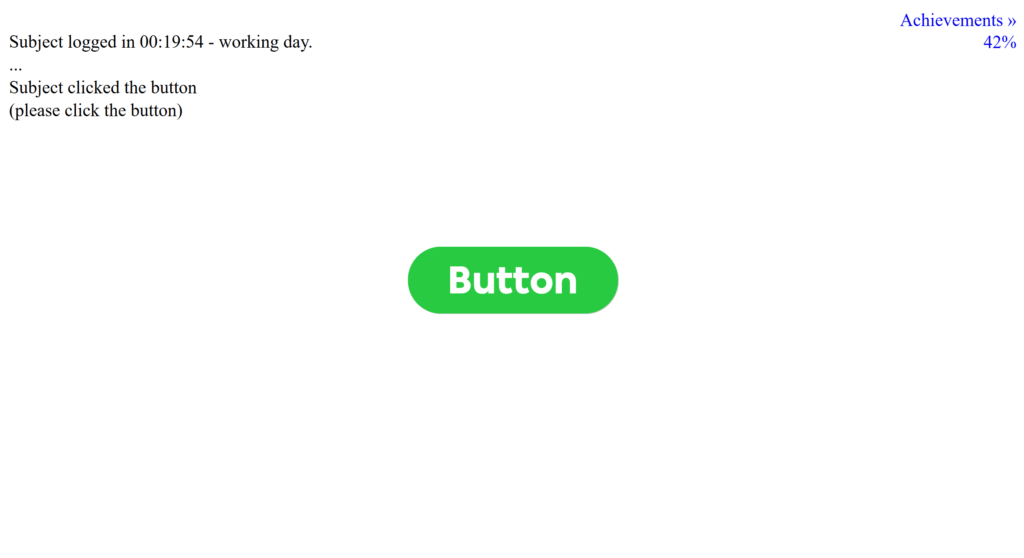
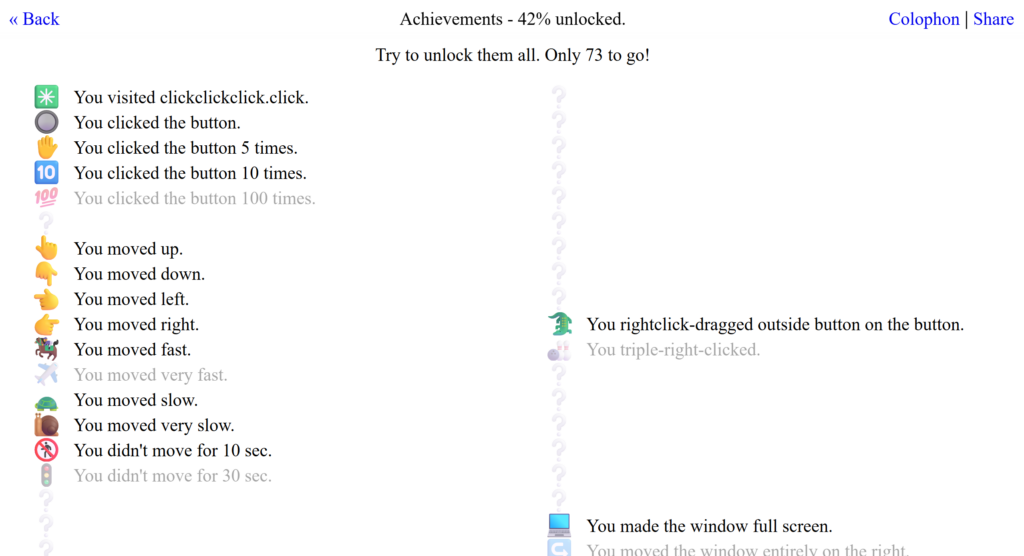
The first website that we visited was ClickClickClick. This website tracked nearly every movement and click that I put on the page. The website noticed where I placed my cursor, clicked the button and the length of time I didn’t click the button, scrolled and tabbed out of the page, and when I moved and resized the window. Additionally, an unsettling voiceover was played when I did these actions while I was on the website. Moreover, there was a page that showed a list of achievements as I was completing actions on the website, which does provide a sense of gamification and shows what kinds of data that websites may track for different purposes.
SinceYouArrived
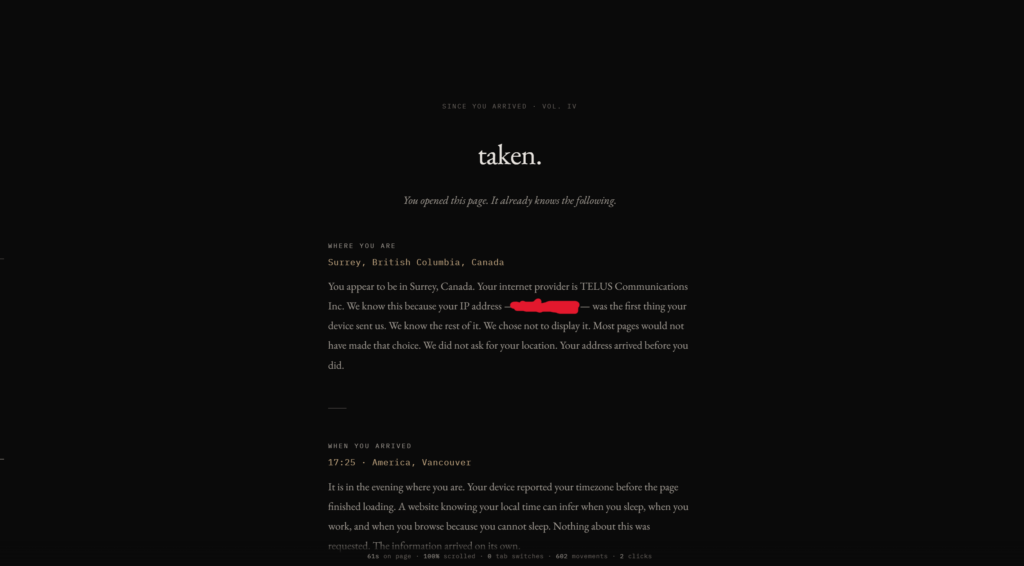
In SinceYouArrived, more information about the data that was being tracked was location, IP information, device and browser information, cookies, and also browser activity such as how long I stayed in and stayed out of the tab and where I moved my cursor. All of this information was taken without a user directly giving consent to access this information, which adds to the idea that all the information can be tracked when I visit a website without additionally clicking anything when I am on a website.
Privacy.net
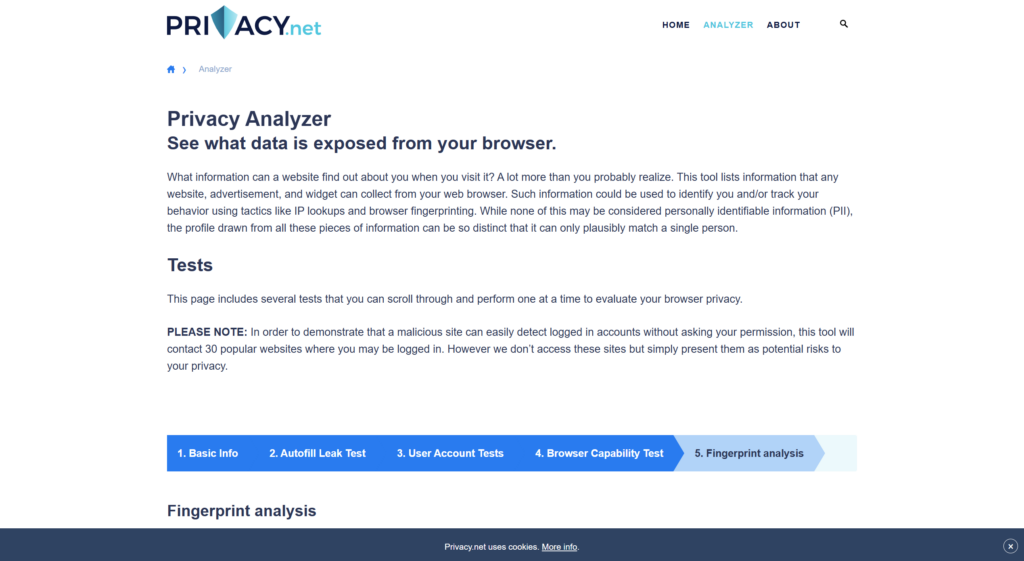
The third website that I went to was Privacy.net. This site has provided the most detail on what information can be taken from my browser. For example, my IP address and location, user accounts that I’m logged into on my browser, computer hardware limits that my browser keeps track of, and also browser fingerprinting information. One thing that surprised me the most was the autofill leak test. Although it may seem that the autofill information was of something simple (e.g. State/Province), other information may be given along with the autofill (e.g. Address, Postal Code, etc.). Additionally, there was also information on browser fingerprinting (or canvas fingerprinting), where little bits of information given to your browser are put together to form a profile for personal information, and thus makes it possible for websites to identify you without the use of cookies or IP addresses.
Google Maps
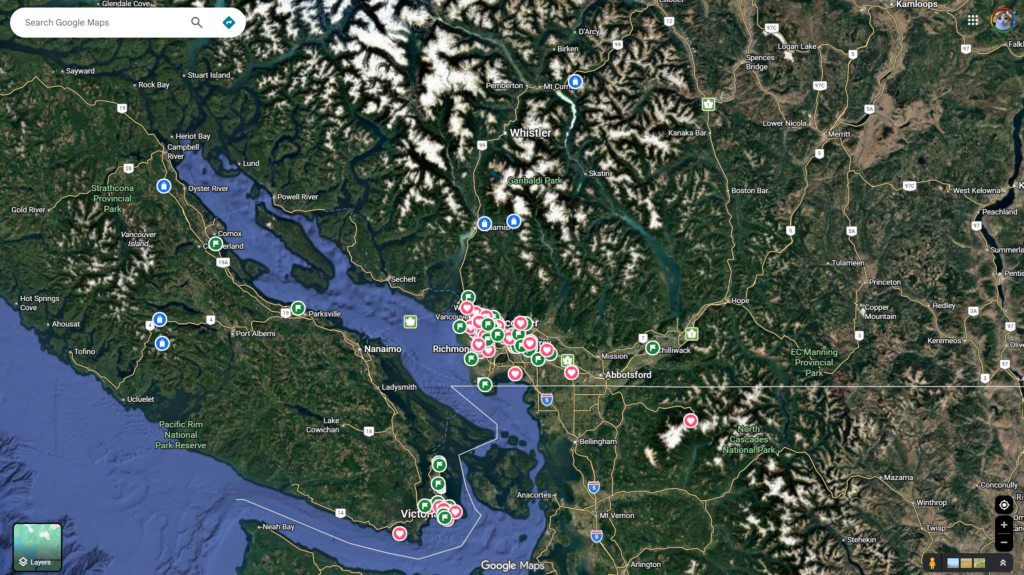
Google Maps was also a tool that we looked at for one of our activities. As a frequent user of Google Maps, I already knew that most of the places that you search on Google Maps are saved and tracked somewhere. However, I also noticed that it tracks in detail all the routes you’ve taken and the places you’ve visited. Additionally, GPS data is regularly sent to Google Maps to calculate traffic flow on routes and provide suggestions, which, although I found it pretty useful, also gives me a better idea of how much data Google keeps of your location. Overall, this provides me a good idea of how much data is collected for a tool that we use regularly (such as Google Maps).
Open Learning Connection
Overall, from an online learning perspective, this made me think about how often a student or instructor’s information may be taken without them realizing. Students and teachers often do not know what information is being tracked when navigating through a tool that is being used for open and distributed learning. Although open learning provides opportunities for students to access information that is otherwise not available, many privacy and security risks may come with these tools because any website, app, etc., can collect personal information and use it for means outside of our own interest. Learning about digital literacy should include learning about online privacy and safety, as students should learn to protect their data outside when they learn how to use online tools.